- DATE:
- AUTHOR:
- Product Team @ Bite
Arabic on the Kiosk
DATE:
AUTHOR:
Product Team @ Bite
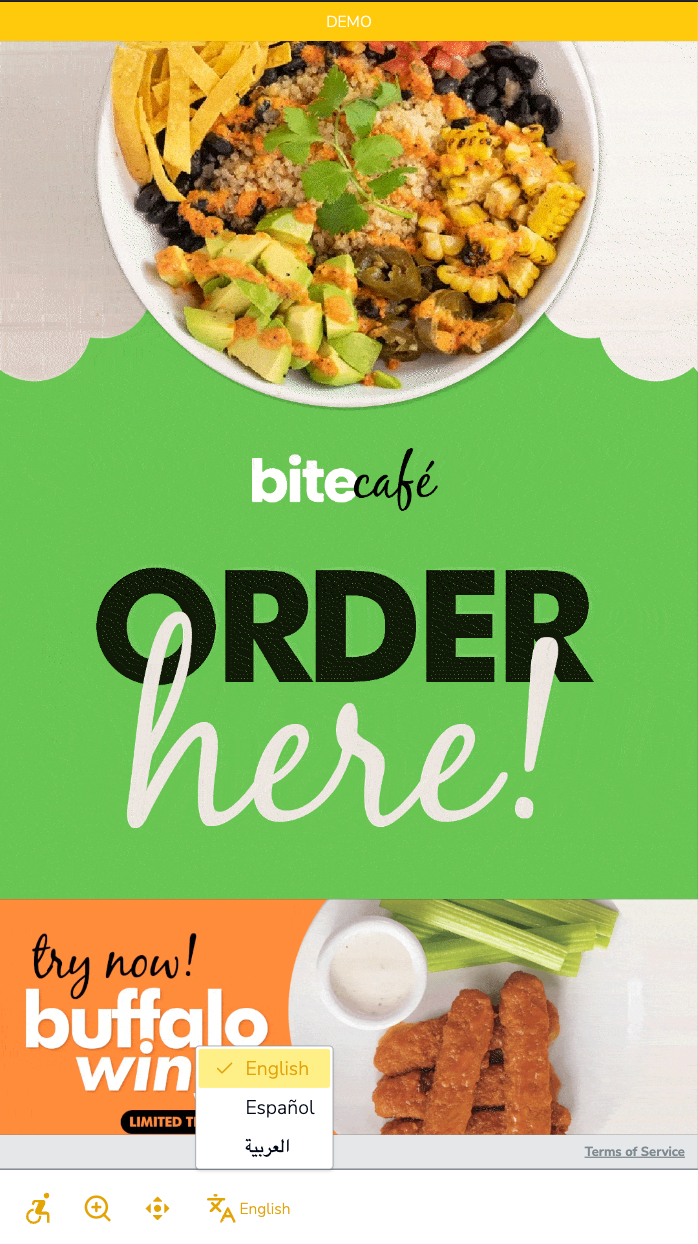
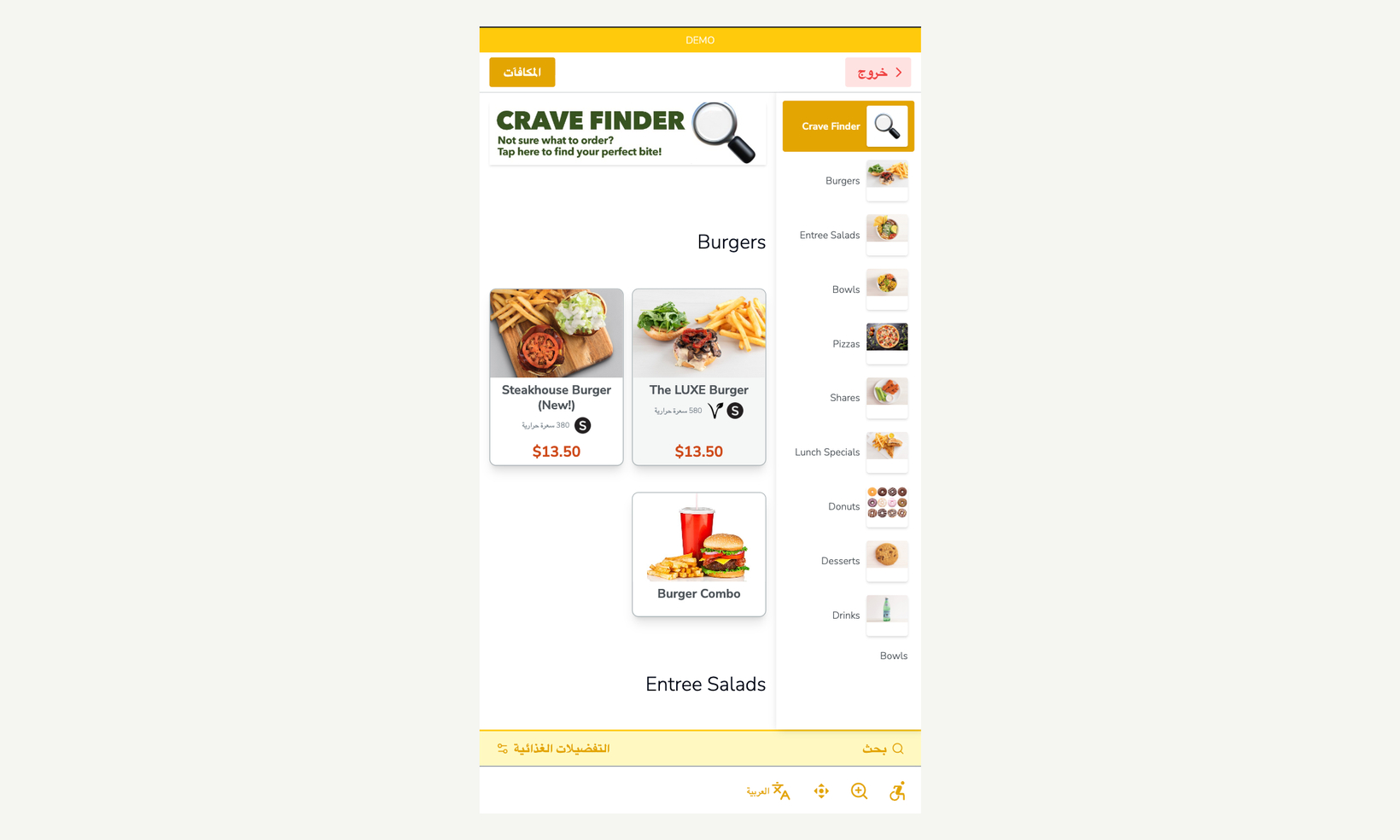
Guests can now order in Arabic. When a guest picks العربية, the kiosk switches to Arabic and mirrors to a right-to-left layout: navigation, buttons, prompts, and checkout all flip. Staff screens, like the refund tool, stay left-to-right.
New settings
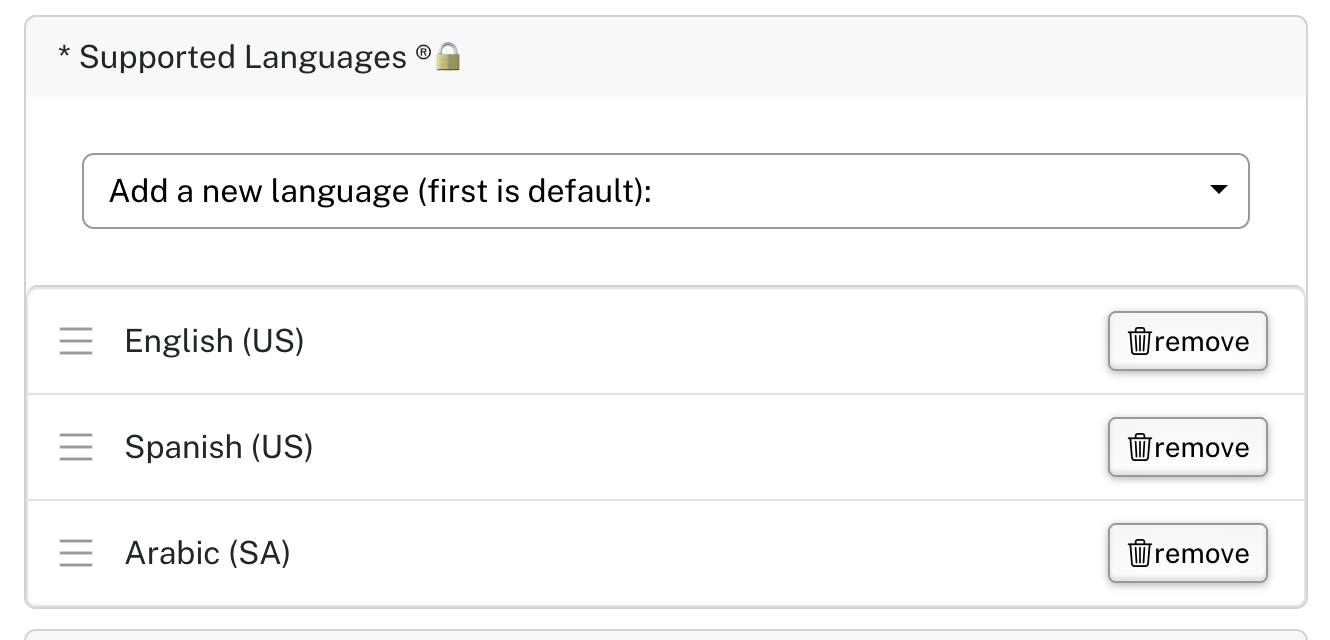
Arabic (SA) in Kiosk Settings › Supported Languages — Adds Arabic to the kiosk's language button. Supported Languages is managed by Bite, so ask your Bite team to turn it on.
Display Name [AR-SA] on items, sections, and options — Arabic names for your menu. Anything without one shows its default name. The kiosk's own text is already translated.