- DATE:
- AUTHOR:
- Product Team @ Bite
Reward Point Costs Now Stand Out on the Kiosk
DATE:
AUTHOR:
Product Team @ Bite
Loyalty rewards can now show their point cost in a colored badge under the reward name, instead of a "(500 points)" suffix inside the name. Guests can scan the rewards list faster, and the badge appears both on the loyalty screen and on the inline reward tiles at checkout.
New setting
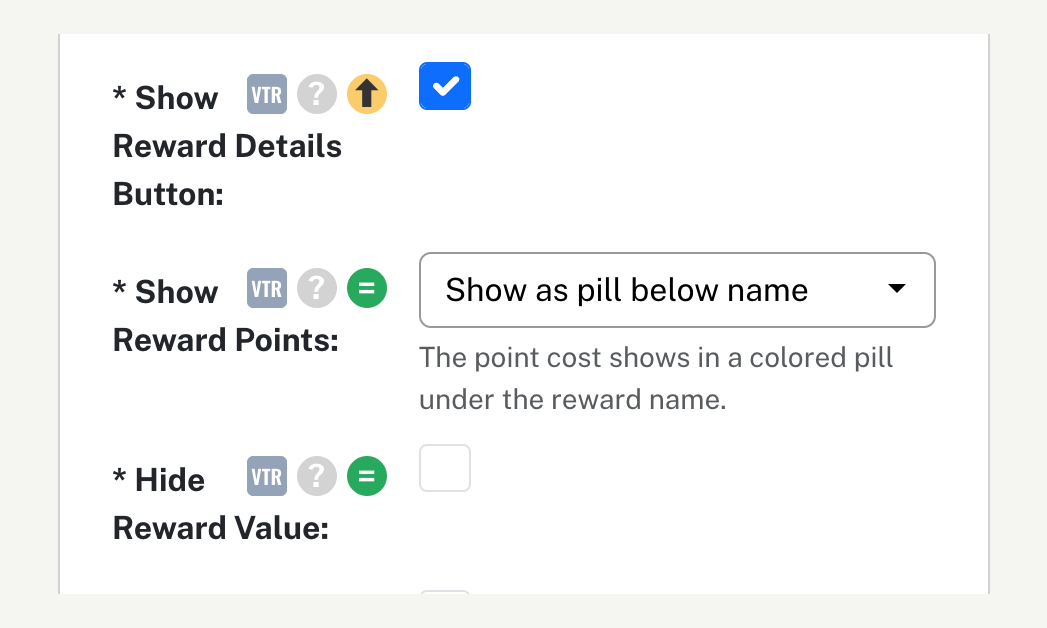
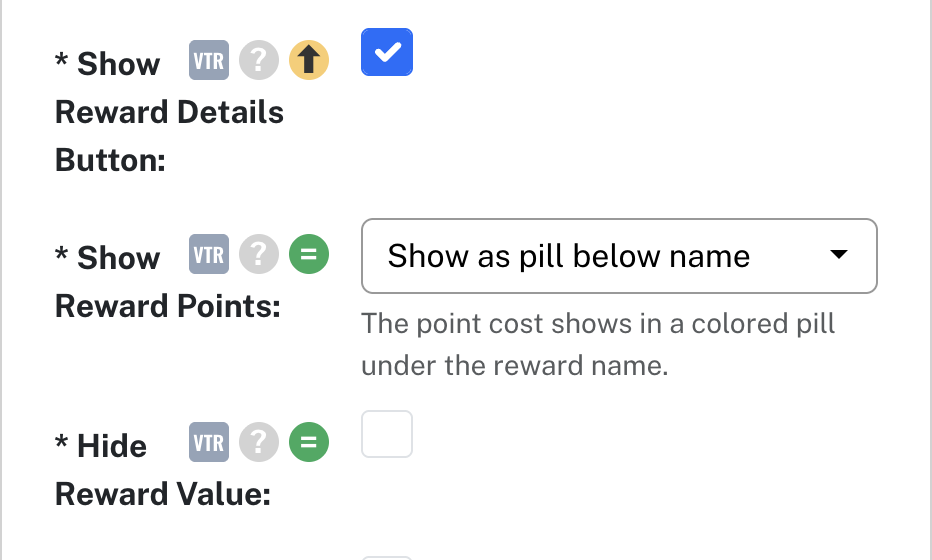
Show Reward Points (Kiosk Settings › Rewards) — Where a reward's point cost appears. "Show in reward name" keeps the current look, e.g. "Free Drink (500 points)"; "Show as pill below name" shows "500 points" in a pill under the name; "Hide" shows it nowhere. Existing locations keep their current look. Replaces the Hide Reward Points checkbox. Set by anyone who can manage channel settings. On Vitrine kiosks.