- DATE:
- AUTHOR:
- Product Team @ Bite
Hide Coupon Names and Codes on Receipts
DATE:
AUTHOR:
Product Team @ Bite
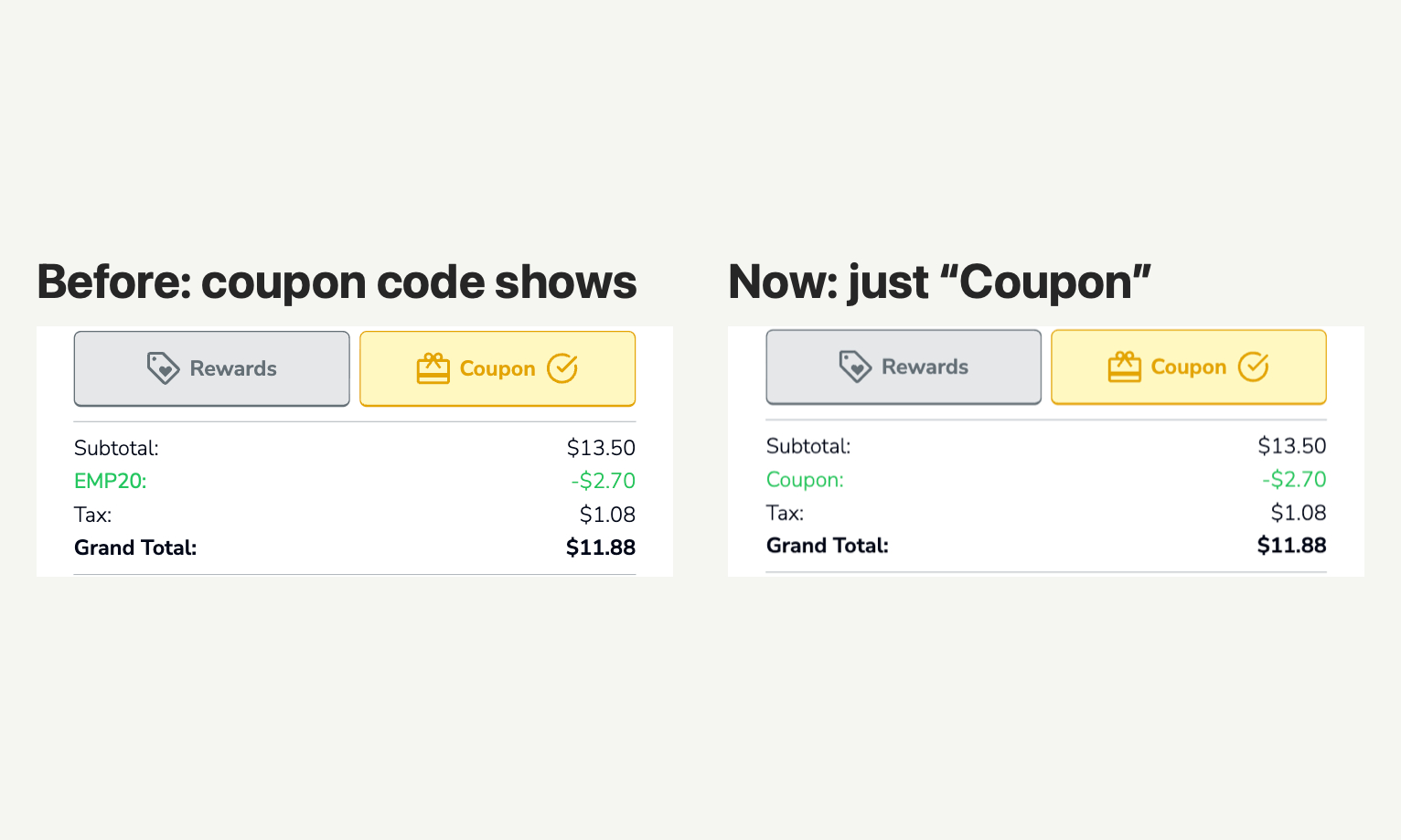
Guests who redeem a coupon at the kiosk no longer have to see the coupon's name or code on their receipt. With the new setting on, the printed receipt and the kiosk's order summary show a single "Coupon" line with the discount amount, so internal or reusable codes stay private. For example, "EMP20" becomes "Coupon".
New setting
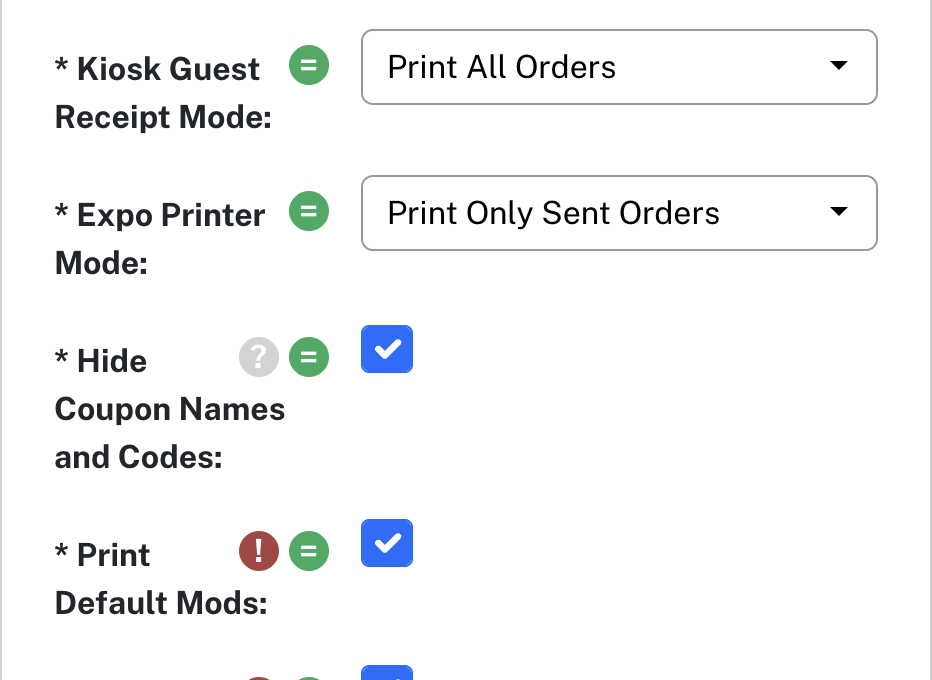
Hide Coupon Names and Codes (Receipt Settings) — Replaces the names and codes of applied coupons with your "Coupon" custom string on printed receipts and the kiosk order summary. Digital receipts show "Coupon". Discount amounts stay visible. Applies to POS, loyalty and Bite coupons. Off by default. Set it for the org, a site or a channel if you can manage channel settings.