- DATE:
- AUTHOR:
- Product Team @ Bite
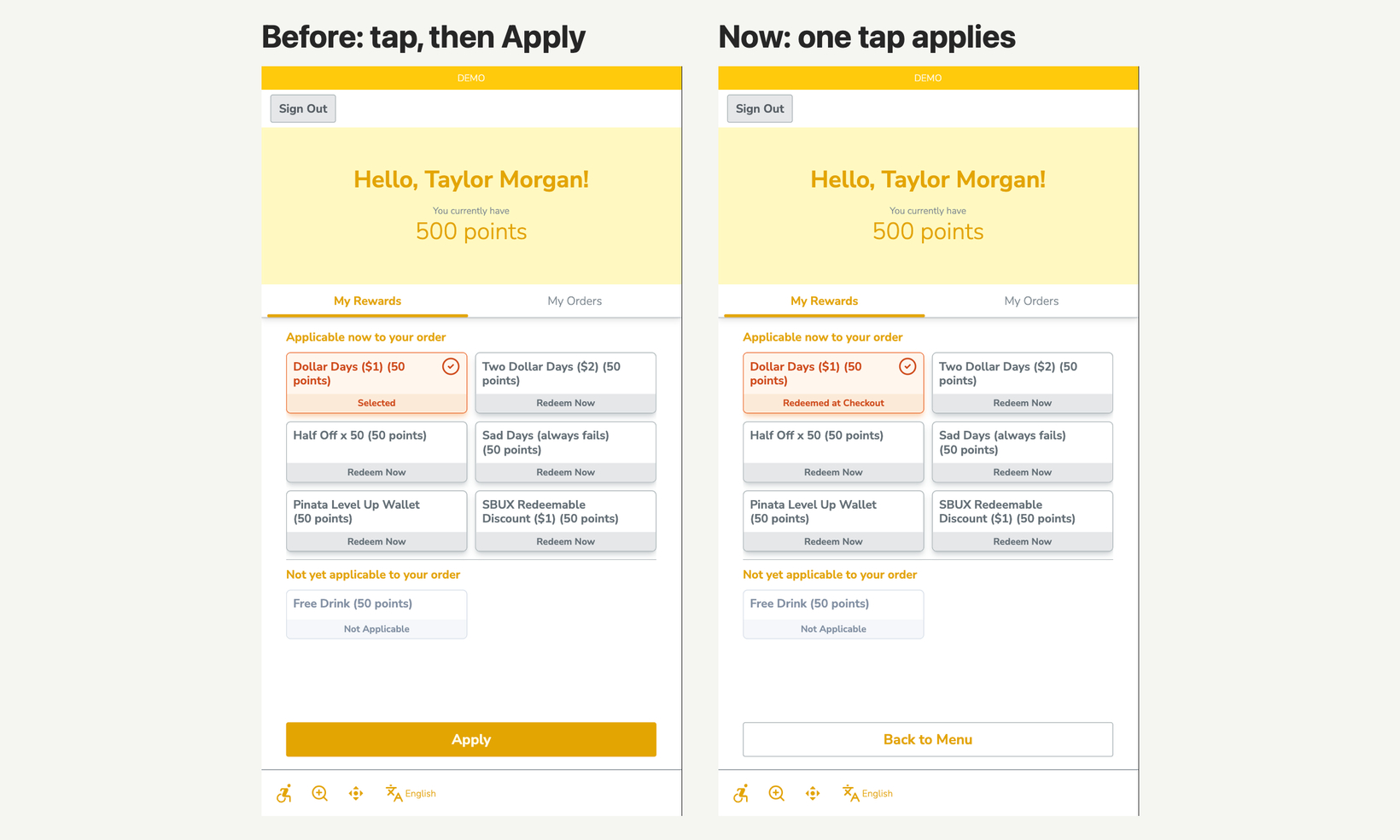
Tap to Apply Loyalty Rewards
Guests can now redeem a loyalty reward with a single tap. Before, they tapped a reward and sometimes navigated away before tapping apply.
New settings
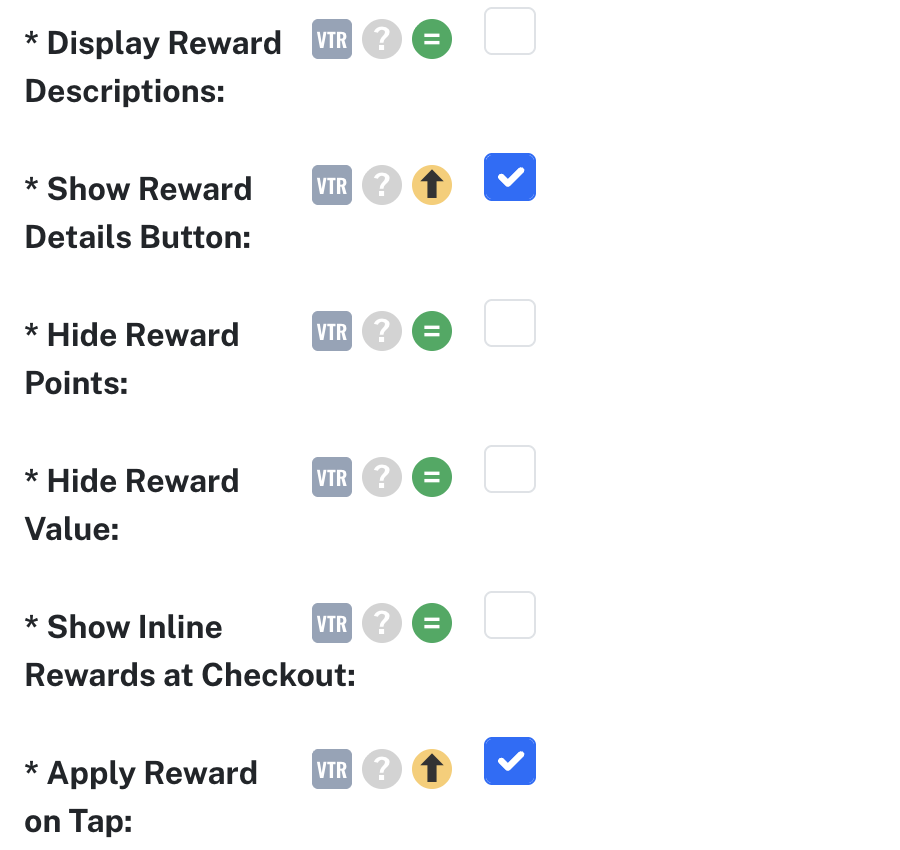
Apply Reward on Tap (Kiosk Settings) — One tap applies a reward, and the Apply button goes away. Off by default. Paying with a loyalty wallet balance still asks guests to confirm. On Vitrine kiosks.
Show Reward Details Button (Kiosk Settings) — Adds a "Tap for details" button to rewards that come with terms from your loyalty program. Off by default.
Also new for guests
A clear message when a reward doesn't apply — Guests can go back to the menu or continue without it, instead of seeing a generic banner.
A check before leaving rewards — Guests are asked to confirm before leaving the rewards screen with changes they haven't applied.